
How Do You Share Your Scan With Your Consultant?
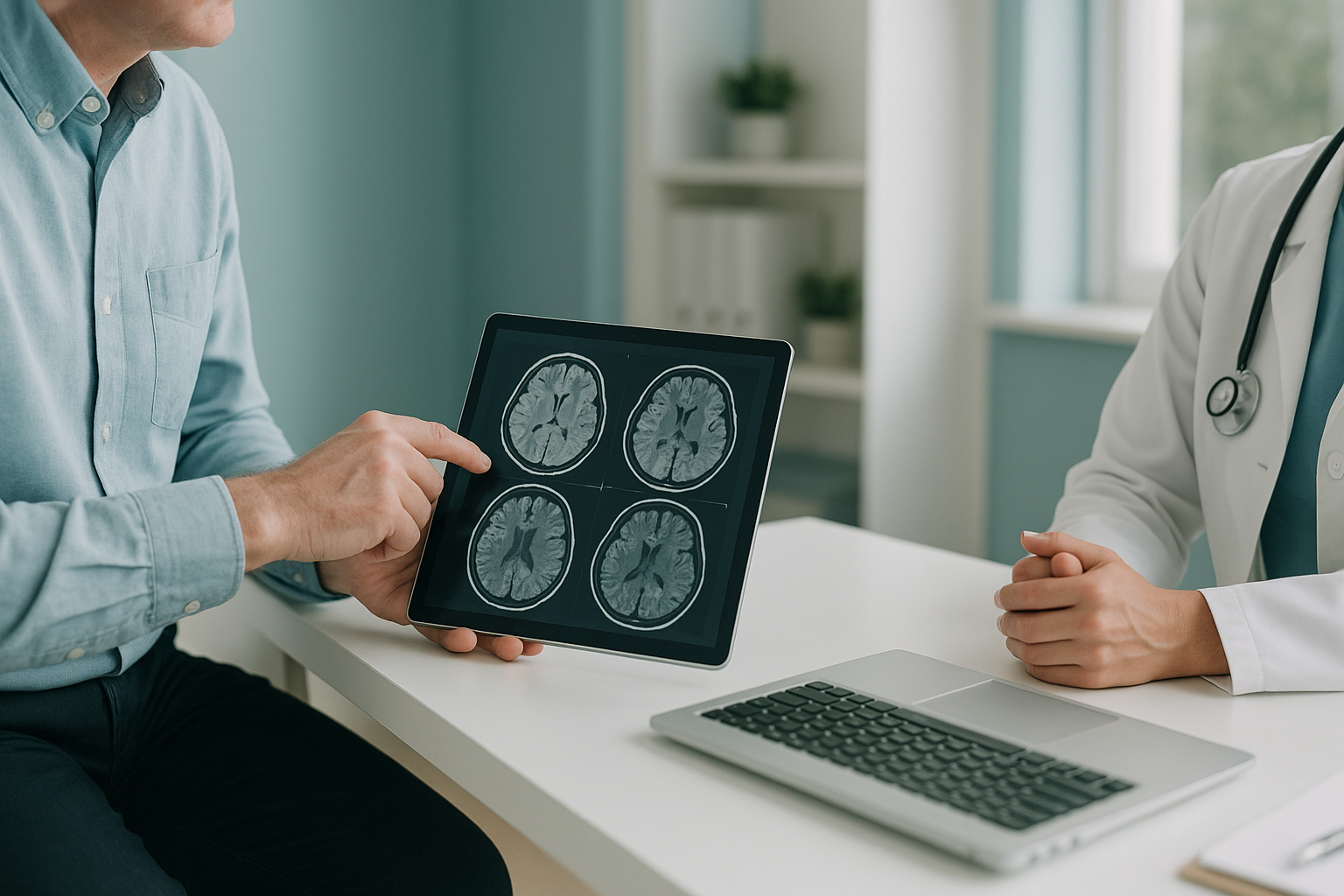
After your EOS scan at ScanAlign, we send your images and report directly to your chosen consultant, surgeon or GP. Images are shared digitally in the standard medical format called DICOM, so they open in any hospital viewing system. You do not need to carry a CD or USB stick.
Key takeaways
- Your images are shared securely in DICOM format, the universal standard for medical imaging.
- We send them digitally to whoever you name, whether that is a consultant, surgeon or GP.
- No CDs, no USB sticks, no apps to download.
- You also receive a written report. Learn more about how EOS scan results are reported.
- Your data is handled under UK data protection rules. You can review your rights as a patient.
What is DICOM and why does it matter for sharing medical images?
DICOM stands for Digital Imaging and Communications in Medicine. It is the universal file format used by hospitals, clinics and radiology departments worldwide to store and share scans. When your images are in DICOM format, any consultant with a standard hospital PACS (picture archiving and communication system) can open and view them at full diagnostic quality.
This matters because a photo on your phone, a screenshot or even a PDF does not carry enough detail for a surgeon or specialist to plan treatment. DICOM files preserve every measurement, every layer of contrast and the exact scale of the image. That means your consultant sees exactly what we see.
What are the steps from scan to consultant?
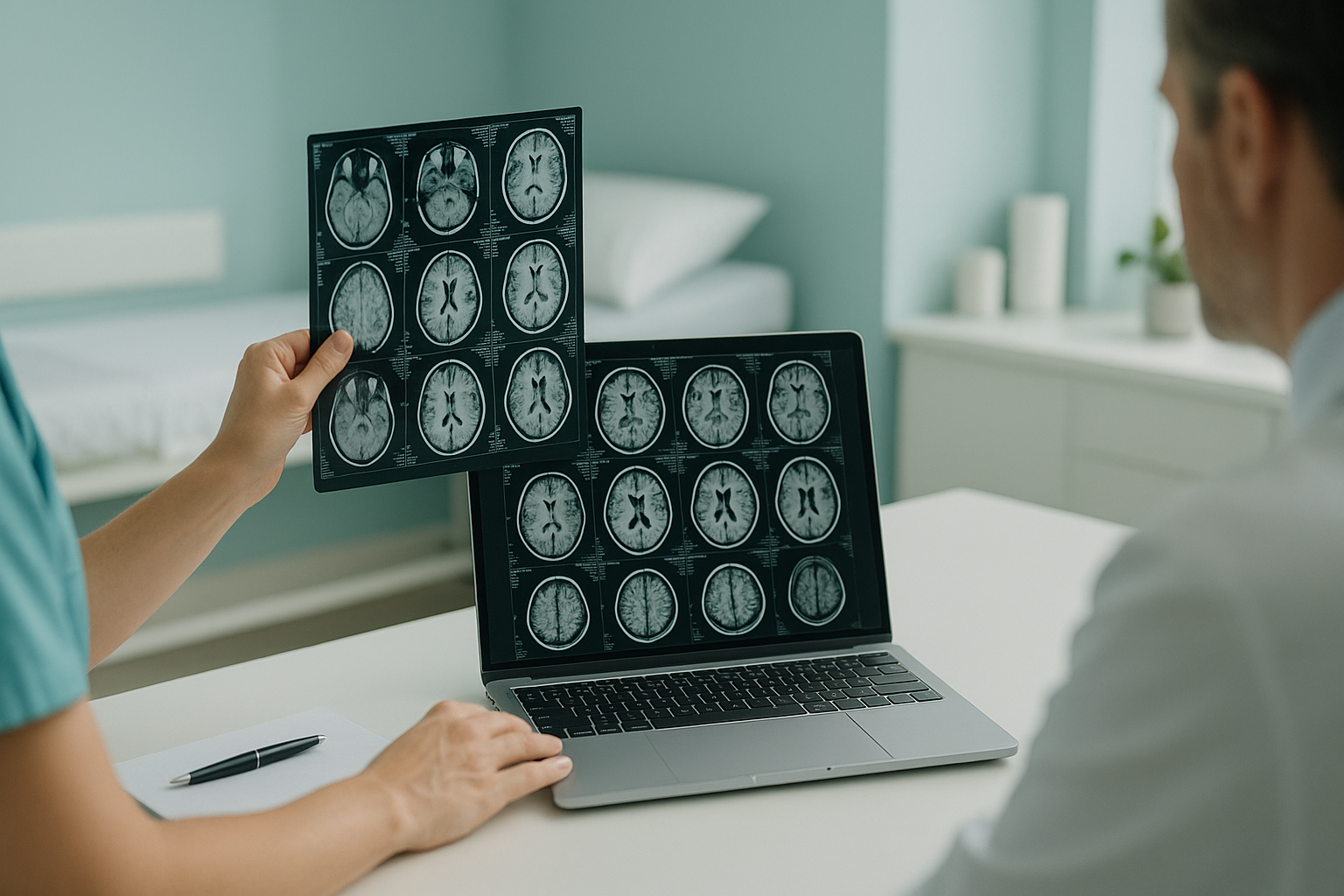
The process is straightforward. You tell us who should receive your images, and we take care of the transfer securely and promptly.
Your standing EOS scan is completed at ScanAlign, standing EOS imaging in London, at 19 Harley Street.
A specialist radiologist reviews your images and produces a detailed written report. Your images are stored in DICOM format.
We send your DICOM images and report digitally to your named consultant, surgeon or GP using a secure, encrypted transfer.
Your consultant opens the images on their standard hospital or clinic viewing system, at full diagnostic quality, ready to discuss with you at your next appointment.
Is it safe to share medical images digitally?
Yes. Digital image transfer is how hospitals and clinics routinely share scans across the NHS and private sector. ScanAlign uses encrypted, secure methods that comply with UK data protection regulations, including the UK GDPR and the Data Protection Act 2018.
We only share your images with the people you tell us to. You are always in control of who sees your scan. If you have questions about how your data is handled, you can read about your rights as a patient.
A note on MRI. EOS imaging shows bones, joints and whole-body alignment in a standing position. For soft tissue, discs or nerves, MRI is usually the better tool. If your consultant needs both types of imaging, your EOS and MRI images can be shared alongside each other so they get the full picture.
Want to know what happens before and during your scan? You can also book your scan or learn about how EOS scan results are reported.
Book a free video consultationFrequently asked questions about sharing your scan
You simply tell ScanAlign who should receive your images, whether that is a consultant, surgeon or GP. We send the full DICOM image set and report to them digitally using a secure, encrypted transfer. You do not need to carry or upload anything yourself.
DICOM (Digital Imaging and Communications in Medicine) is the universal file format for medical images. It preserves full diagnostic quality, measurements and scale, so your consultant can view and analyse the scan on any standard hospital viewing system.
No. ScanAlign shares images digitally. CDs and USBs are older methods that many hospitals are moving away from. A digital transfer is faster, more reliable and does not depend on your consultant having a CD drive.
Yes. You can ask us to send your images and report to as many clinicians as you need. Just let us know who should receive a copy and we will arrange it.
Free DICOM viewers are available for personal use, such as Horos (Mac) and RadiAnt (Windows). However, clinical interpretation should always be done by a qualified specialist. Your written report provides the expert analysis you need.
Once your report is ready, we share your images and report promptly. If you have a specific deadline, such as an upcoming surgical consultation, let our patient support team know and we will do our best to accommodate that.
No. ScanAlign is a self-pay, self-referral clinic. You do not need a GP letter to book. However, we can send a copy of your results to your GP if you would like us to.
Yes. We use encrypted, secure transfer methods that comply with UK GDPR and the Data Protection Act 2018. Your images are only shared with the people you authorise.
Yes. Because ScanAlign uses the DICOM format, your images are compatible with any PACS viewer used in NHS or private hospitals. Your consultant does not need any special software.
Pricing details and what is included are covered on our FAQs page. You can also ask during your free video consultation, where we will explain everything before you commit.
Ready to get the full picture?
Book a free video consultation to find out how a standing EOS scan could help your consultant understand what is really going on.
Book a free video consultationWritten by Abbas Dhami (Specialist Diagnostic Radiographer)
Sources
- DICOM Standards Committee. The DICOM Standard. National Electrical Manufacturers Association (NEMA). dicomstandard.org
- Information Commissioner's Office. Guide to the UK General Data Protection Regulation (UK GDPR). ico.org.uk
- The Royal College of Radiologists. Standards for the communication of radiological reports and fail-safe alert notification. rcr.ac.uk
This page is general information and not a diagnosis.
ScanAlign is the trading name of CoreMed Solutions Ltd and operates under The Harley Street Hospital's CQC licence.