
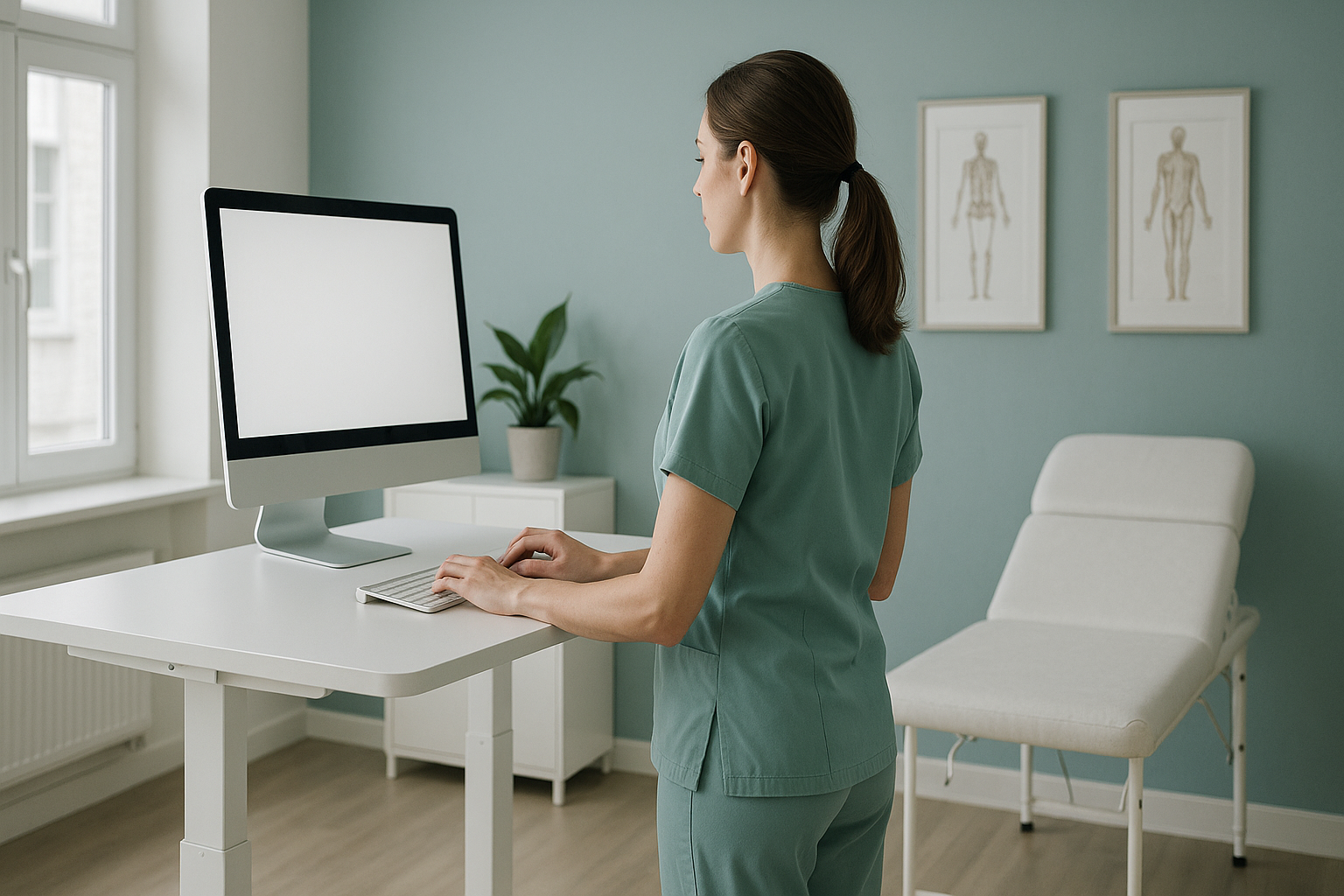
Do Standing Desks Actually Improve Your Posture?
A standing desk can help reduce some of the postural strain of prolonged sitting, but it will not fix your posture on its own. Standing still for hours creates its own problems. What matters most is regular movement and understanding how your body is actually aligned, something a standing desk cannot tell you.
Key takeaways
- Standing desks reduce sitting time but do not correct underlying alignment issues.
- Movement matters more than position. Alternating between sitting and standing is key.
- Poor standing posture can cause back pain, leg fatigue and joint strain.
- If pain persists despite a good desk setup, a structural alignment problem may be the cause.
- A standing whole-body scan shows how your skeleton actually lines up under gravity.
What happens to your body when you stand at a desk all day?
Standing for long periods loads your spine, hips and legs differently to sitting. Your lower back curve can deepen, your pelvis may tilt forward, and muscles in your calves and feet fatigue. Over time, some people develop leg swelling, sore knees or aching feet.
The real issue is that swapping one static position for another does not challenge or strengthen the muscles that hold you upright. Your body craves variety. A sit-stand desk is a useful tool, but only if you actually alternate between the two positions throughout the day.

If you already have an alignment issue, such as forward head posture or excessive postural sway, standing at a desk may actually make your symptoms worse because your muscles have to work harder to compensate.
What are the signs a standing desk is not helping your back pain?
A standing desk should feel comfortable, not painful. If you notice any of the following after switching, your setup or your underlying alignment may need attention.
Pain that builds through the day and eases when you sit may point to excess lumbar loading.
Blood pooling in the lower limbs during long standing spells can cause heaviness and swelling.
If your monitor height is wrong, you may lean forward or look down, straining your upper back.
Persistent discomfort despite adjusting your desk suggests the problem may be structural, not ergonomic.
How long should you stand at a standing desk?
Most workplace health guidance suggests a ratio of roughly 30 minutes standing to every 30 minutes sitting, building up gradually. Start with just 15 to 20 minutes of standing per hour and increase over a few weeks. Listen to your body. If anything starts to ache, sit down.
There is no single perfect sit-stand ratio. The best approach is to keep moving. Shift your weight, take short walks, stretch. A standing desk is not a replacement for regular movement throughout the day.
15 to 20 minutes standing per hour for the first week, then build up.
Aim for roughly equal sitting and standing across the day. Movement is the goal.
A cushioned mat reduces strain on feet and joints while standing. Supportive footwear helps too.
How should you set up a standing desk for good posture?
Desk setup matters just as much standing as it does sitting. A poorly adjusted standing desk can push your head forward, round your shoulders, or force you to lean on one hip.
- Monitor height: The top of your screen should sit at or just below eye level so you look straight ahead, not down.
- Elbow angle: Your forearms should be roughly parallel to the desk surface, with elbows close to your sides.
- Feet: Stand with your weight evenly distributed across both feet, hip-width apart. Avoid locking your knees.
- Footwear: Flat, supportive shoes are better than heels or very thin soles. Some people find an anti-fatigue mat helpful.
- Move: Shift your weight, step side to side, or take a short walk every 20 to 30 minutes.
If you do all of this and your back, hip or neck pain continues, your problem may not be about the desk at all. It may be about how your body is aligned underneath.
Persistent pain despite a good desk setup could point to an alignment issue that ergonomics alone cannot solve. A standing whole-body scan can show what is going on.
Book a free video consultationWhy does posture need to be assessed standing up?
Most imaging, such as standard X-rays, CT and MRI, is done while you lie down. In that position, gravity is not pulling on your spine, your muscles relax, and your joints settle differently. Alignment problems that cause pain when you are upright may simply not appear on a lying-down scan.
Your body is a connected chain. If your pelvis is slightly tilted, your spine curves to compensate. That shifts load into your shoulders and neck. Pain often shows up away from its true cause. A single-area scan can miss this entirely.
ScanAlign standing EOS imaging captures your full skeleton from head to feet in one upright image, with about 90% less radiation than a standard X-ray, around ten times less. Because you are standing, the image shows your real, weight-bearing alignment, the same alignment you use at a standing desk, while walking, and in daily life.
When MRI is the better choice: EOS shows bones, joints and alignment. For soft tissue, discs or nerves, MRI is usually the better tool. If your symptoms include numbness, weakness, or loss of bladder or bowel control, seek urgent medical attention from your GP, 111, or A&E rather than booking a scan.
Frequently asked questions about standing desks and posture
They can be, when used correctly. Alternating between sitting and standing throughout the day reduces the strain of prolonged sitting. But standing still for hours is not the answer. Regular movement is what matters most.
A standing desk may ease discomfort caused by long periods of sitting, but it cannot fix an underlying structural problem. If your back pain persists after improving your desk setup and movement habits, the cause may be an alignment issue that needs proper assessment.
Start with 15 to 20 minutes of standing per hour and build up gradually. A rough guide is 30 minutes standing, 30 minutes sitting, but the key is to keep changing position rather than staying in one posture for too long.
Both are problematic. Standing all day can cause leg swelling, lower back strain and foot pain. The healthiest approach is to alternate frequently and include short walks and stretches in your routine.
Supportive, flat-soled shoes are best. Avoid high heels or very thin, unsupportive soles. An anti-fatigue mat can also help reduce strain on your feet and joints during standing spells.
This often happens when the monitor is too low. When you stand, your eye level rises, and if the screen does not rise with it, you end up looking down and pushing your head forward. Adjusting your screen height usually helps, but if the problem continues, it may be worth checking your overall alignment.
A standard X-ray typically covers one area while you lie down. EOS imaging captures your full skeleton while you stand, using about 90% less radiation than a standard X-ray, around ten times less. This shows how your bones and joints line up under real weight-bearing conditions.
No. ScanAlign is a private self-pay clinic. You can book a posture assessment directly without a referral. Your scan is reviewed by a specialist diagnostic radiographer.
ScanAlign is a self-pay service. Current pricing details are listed on the FAQs and cost page.
On its own, no. A standing desk is one useful tool, but good posture depends on muscle strength, joint mobility, and how your skeleton is aligned. If you have a structural tilt, curve, or imbalance, the desk cannot change that. Proper assessment gives you the full picture.
Still in pain despite your standing desk?
A free video consultation can help you understand whether a standing whole-body alignment scan is the right next step.
Book a free video consultationAuthor: Abbas Dhami (Specialist Diagnostic Radiographer)
Sources
- Karakolis, T. & Callaghan, J.P. (2014). The impact of sit-stand office workstations on worker discomfort and productivity: a review. Applied Ergonomics, 45(3), 799-806.
- NHS. (2024). How to sit correctly. NHS Live Well. Available at: nhs.uk/live-well/exercise/improve-posture.
- Shrestha, N. et al. (2018). Workplace interventions for reducing sitting at work. Cochrane Database of Systematic Reviews, Issue 6.
This page is general information and not a diagnosis.
ScanAlign is the trading name of CoreMed Solutions Ltd and operates under The Harley Street Hospital's CQC licence.