
Why Does My Back Hurt When I Sit for Long Periods?
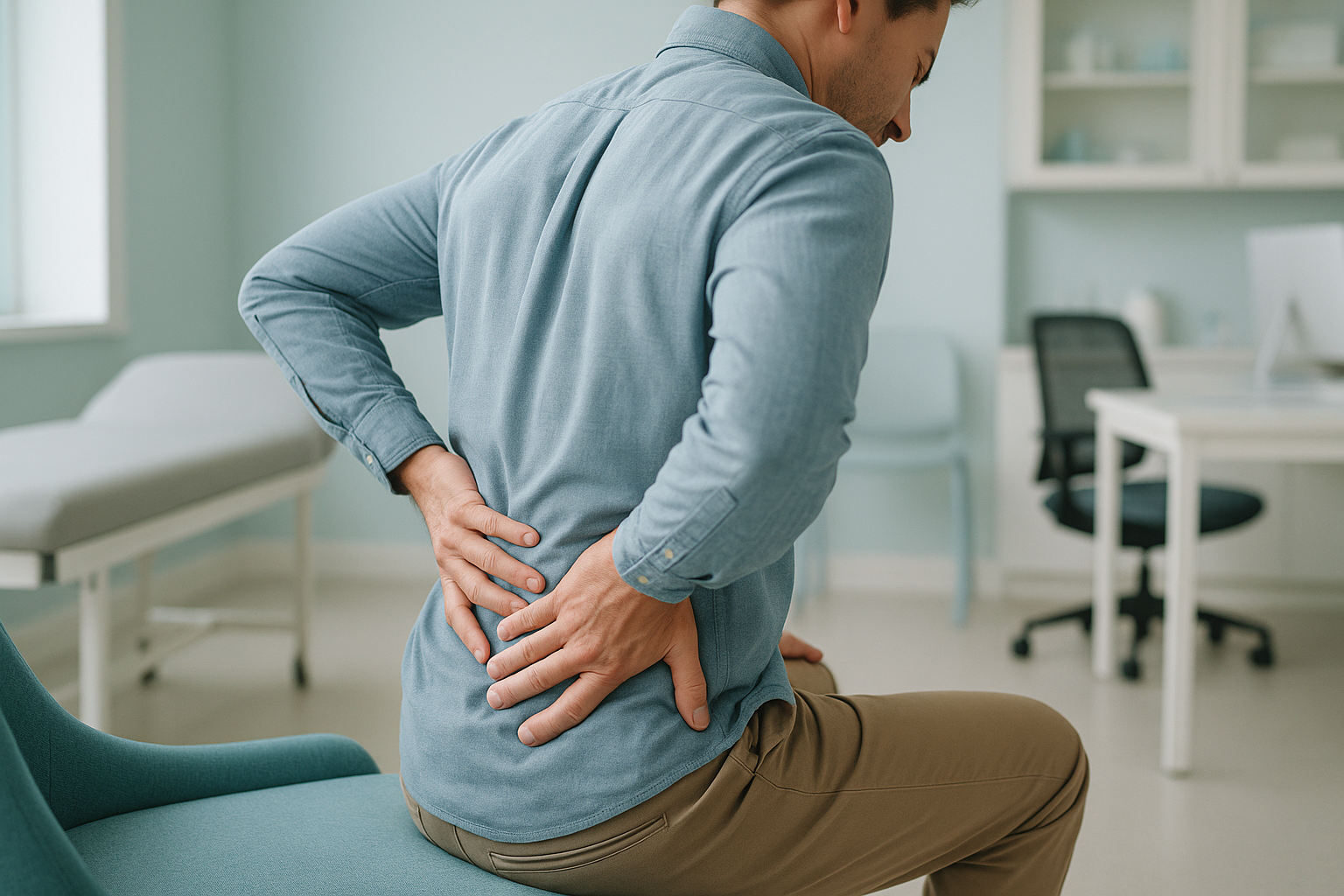
Lower back pain while sitting is usually caused by increased pressure on the discs and joints of your lumbar spine. Sitting, especially with a slouched posture, loads these structures more than standing or walking. Over time, tight hip flexors and weak core muscles make the problem worse. A standing, whole-body image can reveal alignment issues that a lying-down scan may miss.
Key takeaways
- Sitting puts more load on your lower spine than standing upright.
- Slouching rolls the pelvis backwards, flattening your natural lumbar curve.
- Pain in one area often comes from a postural imbalance somewhere else in the chain.
- Lying-down scans can relax the spine and hide problems that only appear under load.
- A standing EOS image shows how your whole skeleton aligns when gravity is acting on it.
Why does sitting put more pressure on your lower back?
Sitting increases the compressive load on your lumbar discs compared with standing. When you sit, your hip joints flex and your pelvis tends to tilt backwards. This flattens the natural inward curve of your lower back (your lumbar lordosis), which shifts weight towards the back of each disc and stretches the ligaments behind the spine.
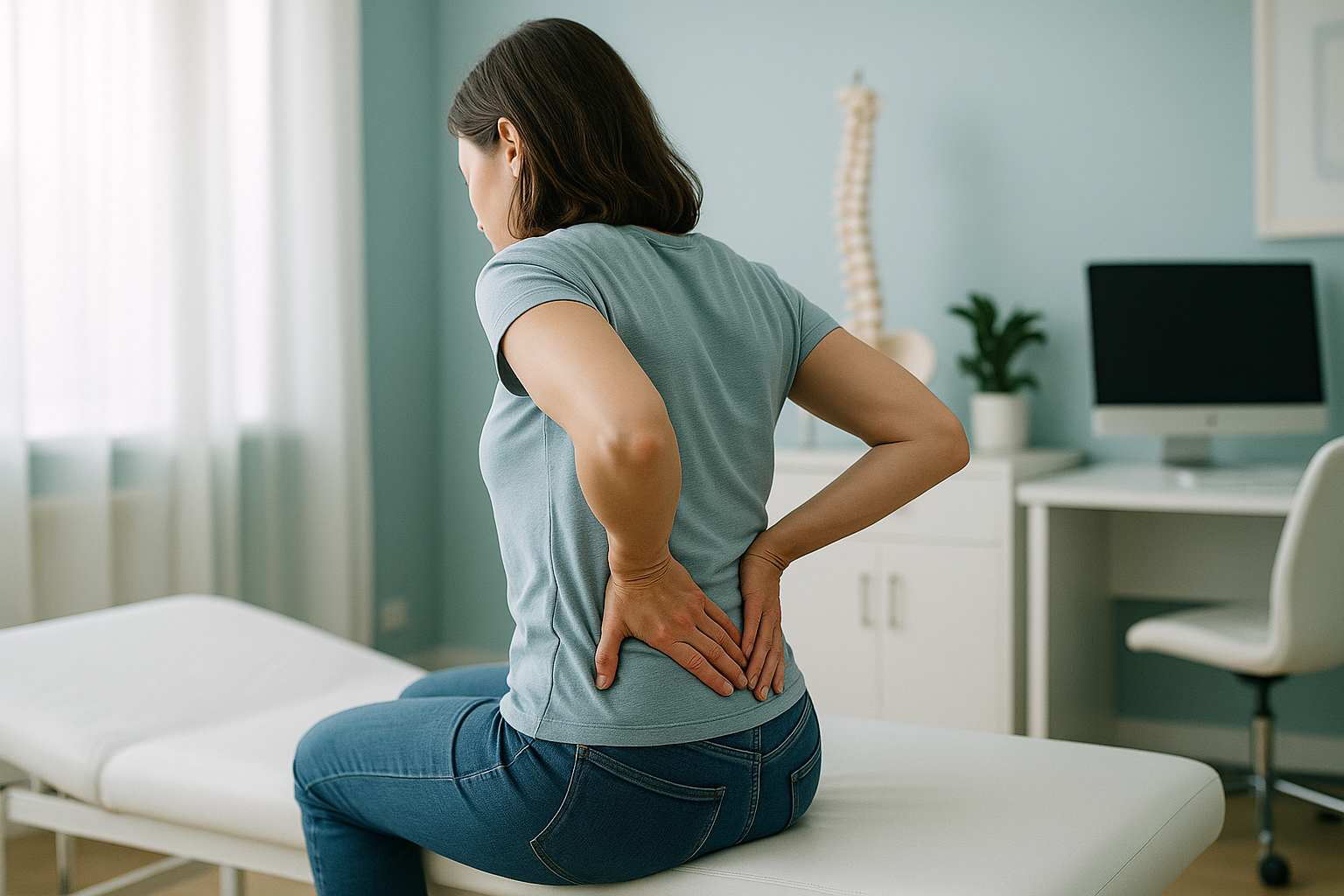
If this position is held for hours, the muscles that support your spine fatigue. Your body then relies more on passive structures, including the discs and ligaments, to keep you upright. That is why the pain often creeps in after 30 to 60 minutes rather than straight away.
Importantly, many people notice back pain when sitting but not when standing or walking. This difference is a strong clue that posture and loading are central to the problem, not just wear and tear seen on a standard scan.
What are the signs that sitting is causing your back pain?
The pattern of symptoms often tells a clear story. Here are the most common signs that prolonged sitting is driving your lower back pain.
A dull ache that builds the longer you stay seated, often across the lower back or into the buttocks.
Difficulty straightening up when you first stand, sometimes needing a few steps before the stiffness eases.
Pain eases quickly once you move, suggesting the issue is posture-related rather than structural damage alone.
Symptoms are worst during desk work, driving, or any prolonged seated activity, then settle with rest or gentle movement.
What causes lower back pain from sitting at a desk?
Sitting pain usually comes from a combination of factors rather than one single problem. Here are the most common contributors.
Sitting flexes the spine and increases load on the front of the lumbar discs. Over time this can contribute to degenerative disc disease.
Slouching rolls the pelvis backwards into a posterior pelvic tilt, removing the protective lumbar curve.
Hours of sitting tightens the hip flexors. When you stand, this pulls the pelvis and lower spine out of its natural alignment.
Holding any position for too long fatigues the small stabilising muscles around the spine, shifting stress to passive tissues.
Because your body is a connected chain from your feet to your head, tightness or weakness in one area often shows up as pain somewhere else. Your lower back may be where the stress accumulates, but the underlying cause might be in your pelvis, hips, or even lower down.
Why can a lying-down scan miss the cause of sitting back pain?
Standard imaging, whether X-ray, CT or MRI, is usually done lying down. When you lie flat, gravity is taken off the spine. The muscles relax, the discs decompress slightly, and alignment problems that only appear under load can disappear from the image.
When you lie on a scanner bed, gravity no longer compresses your spine. Your pelvis settles into a neutral position and your muscles relax. A subtle tilt, a small curve imbalance, or the way your spine shifts under load simply will not show.
This is why many people with genuine sitting pain are told their scan looks "normal."
An EOS scan takes a full-length image of your skeleton while you stand. Gravity is doing exactly what it does when you sit or walk. Any tilt, shift or curve that your muscles are working to compensate for shows up on the image.
At ScanAlign, a specialist radiographer analyses how your whole skeleton lines up from head to feet, not just the painful spot. This gives clinicians the loading picture they need to guide the right next step.
The EOS system also uses about 90% less radiation than a standard X-ray, around ten times less. That makes it practical for capturing your entire spine, pelvis and legs in one upright image.
When MRI is better. EOS excels at showing bones, joints and alignment under load. If your clinician suspects a disc bulge pressing on a nerve, torn ligaments, or any other soft-tissue problem, MRI is usually the better tool. The two scans complement each other well.
What can help with back pain from sitting?
While ScanAlign provides diagnostic imaging rather than treatment, understanding what tends to help gives useful context. The strategies below are general guidance, not a substitute for a professional assessment.
- Movement breaks. Standing up and walking for a couple of minutes every 30 to 45 minutes reduces sustained disc loading.
- Lumbar support. A small cushion or built-in chair support helps maintain your natural lower back curve. Seat height matters too. Your feet should rest flat on the floor with knees roughly level with your hips.
- Sit-stand desks. Alternating between sitting and standing throughout the day can reduce the total time your spine spends in flexion.
- Core endurance. Gentle exercises that build endurance in the muscles around your trunk help support the spine during long sitting bouts.
- Targeted stretching. Regular stretches for lower back pain and the hip flexors can ease tightness that pulls your pelvis out of position.
If these strategies are not making a noticeable difference, a whole-body alignment image can help work out whether a structural or postural factor is keeping the cycle going.
Wondering whether your alignment is part of the problem?
You can book a posture and spine assessment to discuss your symptoms with a specialist radiographer, free of charge, before deciding on a scan.
Frequently asked questions
Sitting flexes your lumbar spine and increases disc pressure. Standing restores the natural curve and spreads the load more evenly. If your pain is position-dependent like this, posture and alignment are likely contributors.
Research suggests that sitting for more than 30 to 45 minutes without a break starts to increase loading on the lumbar discs and fatigue the supporting muscles. Short, regular movement breaks are more helpful than one long walk after hours of sitting.
A chair that does not support your lumbar curve or that is the wrong height can encourage slouching. Over weeks and months this sustained poor posture increases the load on discs and ligaments. A supportive chair helps, but it will not fix an underlying alignment issue on its own.
An EOS scan is a low-dose, standing X-ray that captures your full skeleton in one image. Because you are upright, it shows how your spine, pelvis and legs align under gravity. This can reveal tilts, shifts and compensations that lying-down scans miss, which is especially useful when pain is posture-related.
Yes. An EOS scan uses about 90% less radiation than a standard X-ray, around ten times less. This low dose makes it practical to image the entire spine, pelvis and legs in a single session.
No. ScanAlign is a private, self-pay clinic. You can refer yourself directly. A free video consultation is the first step, where a specialist radiographer reviews your history and confirms whether a scan is appropriate.
Pricing details are on the ScanAlign website. The initial video consultation is free and there is no obligation to proceed.
EOS clearly shows disc height loss and the alignment of the vertebrae around a disc, which are signs of disc degeneration. However, if you need to see the disc itself, a bulge, or nerve compression, MRI is the better tool. The two scans work well together.
Yes. A posterior pelvic tilt flattens the lumbar curve and shifts weight to the back of the discs. Sitting naturally encourages this tilt, and if your pelvis already tends that way, the effect is amplified. A standing whole-body image can confirm the tilt and measure its impact.
You speak with a specialist radiographer who reviews your symptoms, medical history and any previous imaging. They will explain whether a standing EOS scan is likely to add useful information for your situation. There is no pressure or obligation to book a scan afterwards.
Still sitting with unanswered back pain?
A free video consultation with a specialist radiographer can help you understand whether a standing whole-body image is the right next step.
Book a free video consultationSources
- Nachemson, A. (1981). Disc pressure measurements. Spine, 6(1), 93–97. Classic study quantifying intradiscal pressure in different postures.
- NHS. Back pain: overview. nhs.uk. General guidance on causes and self-management of back pain.
- Illés, T. & Somoskeöy, S. (2012). The EOS imaging system and its uses in daily orthopaedic practice. International Orthopaedics, 36(7), 1315–1323.
Written by Abbas Dhami (Specialist Diagnostic Radiographer)
This page is general information and not a diagnosis.
ScanAlign is the trading name of CoreMed Solutions Ltd and operates under The Harley Street Hospital's CQC licence.