
Can a Posture Analysis App or Photo Really Assess Your Alignment?
A posture analysis app can be a useful starting point. It flags visible imbalances using your phone camera. But it only sees the surface of your body, not the bones and joints underneath. For a reliable, measured assessment of skeletal alignment, standing whole-body imaging such as EOS gives information an app simply cannot.
Key takeaways
- Posture apps estimate body position from a photo or video. They measure the skin surface, not the skeleton.
- Camera angle, clothing, and soft tissue all affect an app's accuracy and repeatability.
- Apps work well as a casual screening tool for general awareness.
- For persistent pain or a clinical decision, measured bone-level imaging provides the detail needed.
- Standing whole-body imaging captures your alignment under real weight-bearing conditions.
How does a posture analysis app work?
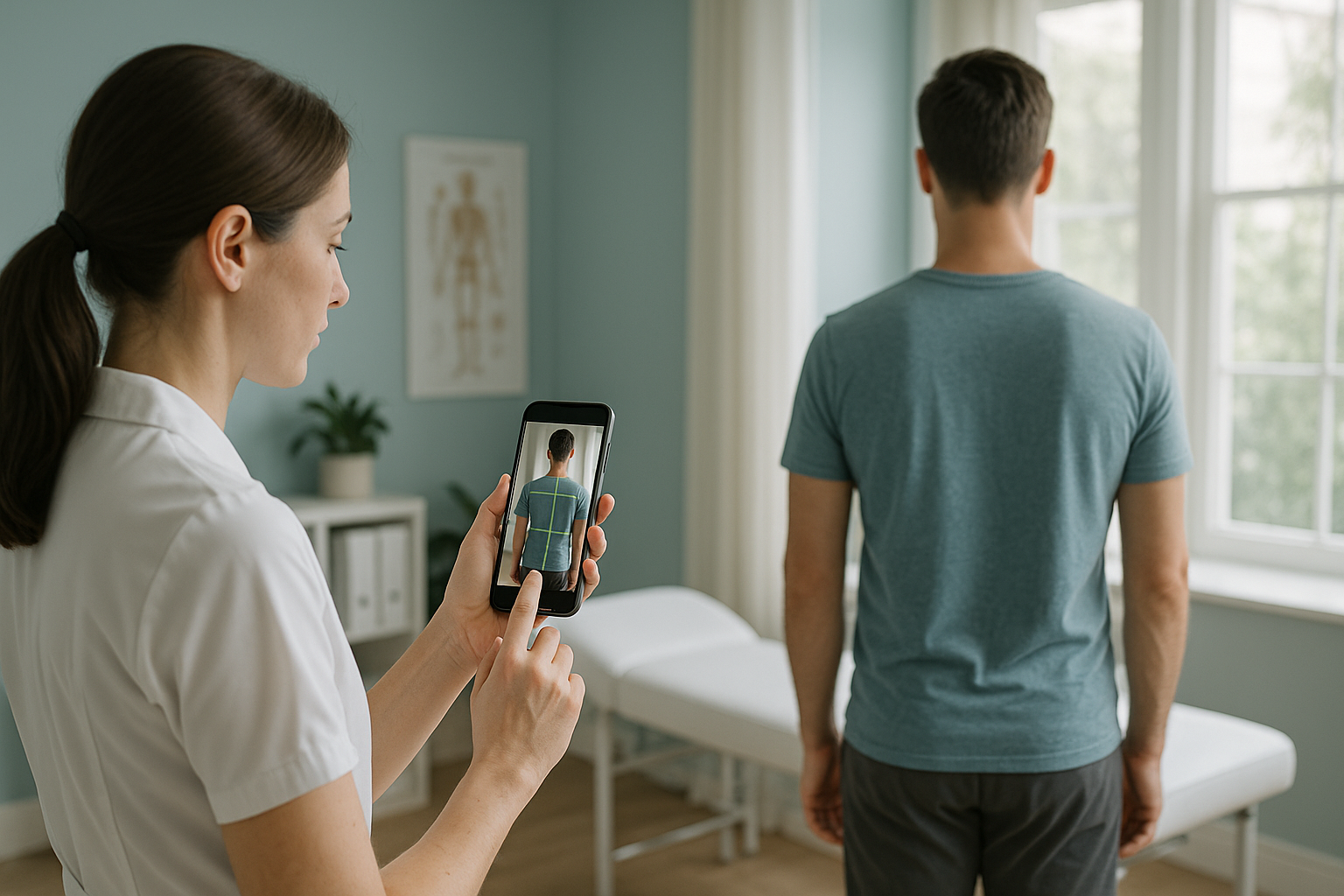
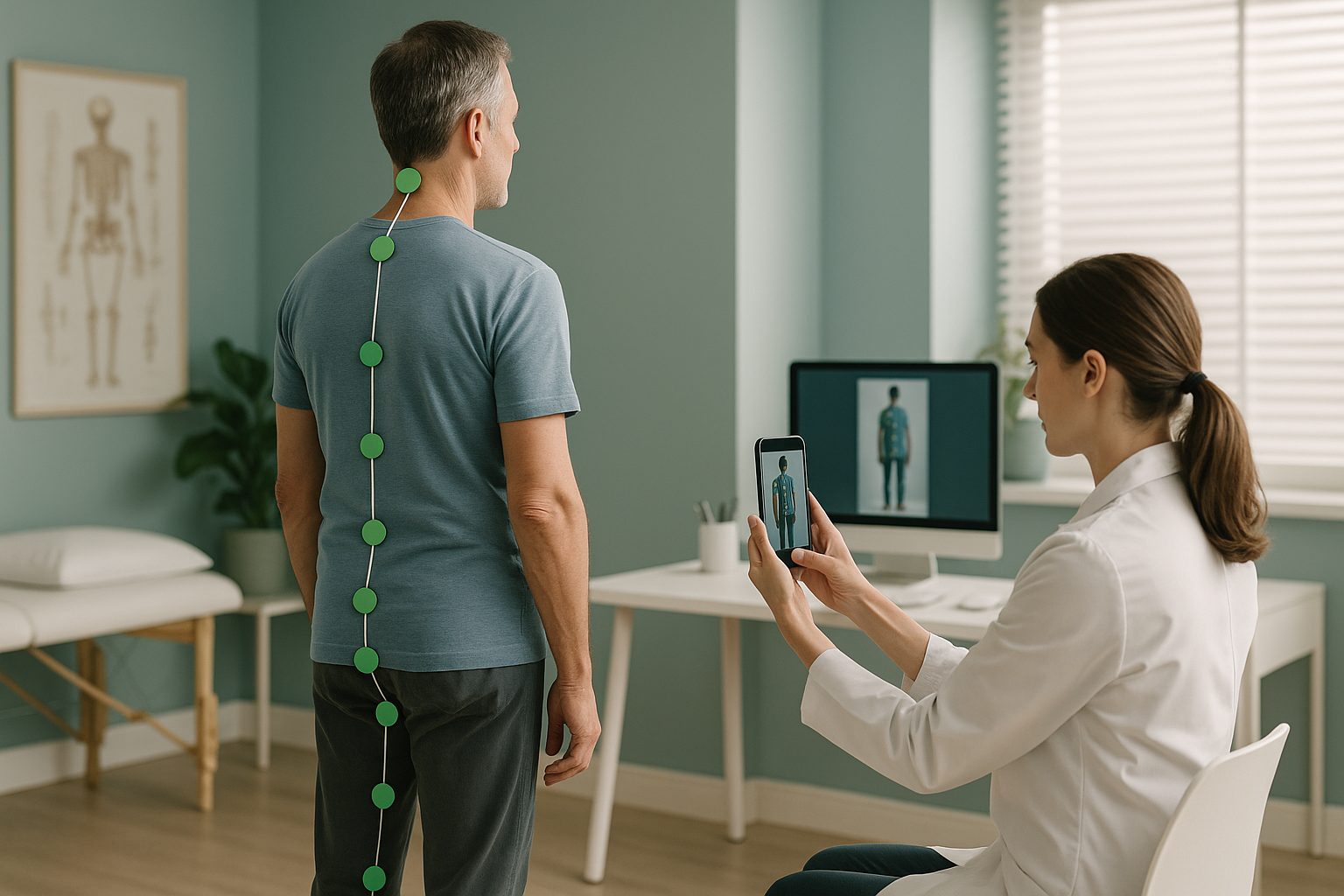
A posture app uses your phone camera to take a photo or short video of you standing. Software then places markers on visible body landmarks, such as your ear, shoulder, hip, knee and ankle, and calculates angles between them. Some apps use AI to automate this, while others ask you to tap the landmarks yourself.
The result is usually a colour-coded summary: green for good alignment, red for areas that look off. It is quick, free or cheap, and you can do it at home.
Why is a posture app's accuracy limited?
The main limitation is simple: an app sees skin and clothing, not bone. Several everyday factors introduce measurement error that can make results unreliable.
None of this makes apps useless. It simply means the numbers they produce are estimates, not measurements. Knowing the difference matters when decisions about treatment depend on those numbers.
When is a free posture check good enough?
For general awareness, an app is a perfectly reasonable starting point. If you are curious about your posture, want to check your desk setup, or would like a rough before-and-after comparison during an exercise programme, a posture app does the job well.
- Have no pain or only mild, recent discomfort
- Want a general sense of your posture habits
- Are tracking progress during exercise
- Need a quick screening before deciding on next steps
- Have persistent or unexplained pain
- Need measured data for a surgeon or specialist
- Want to understand why one area keeps flaring up
- Have already tried treatment without lasting improvement
How does standing whole-body imaging differ from a posture app?
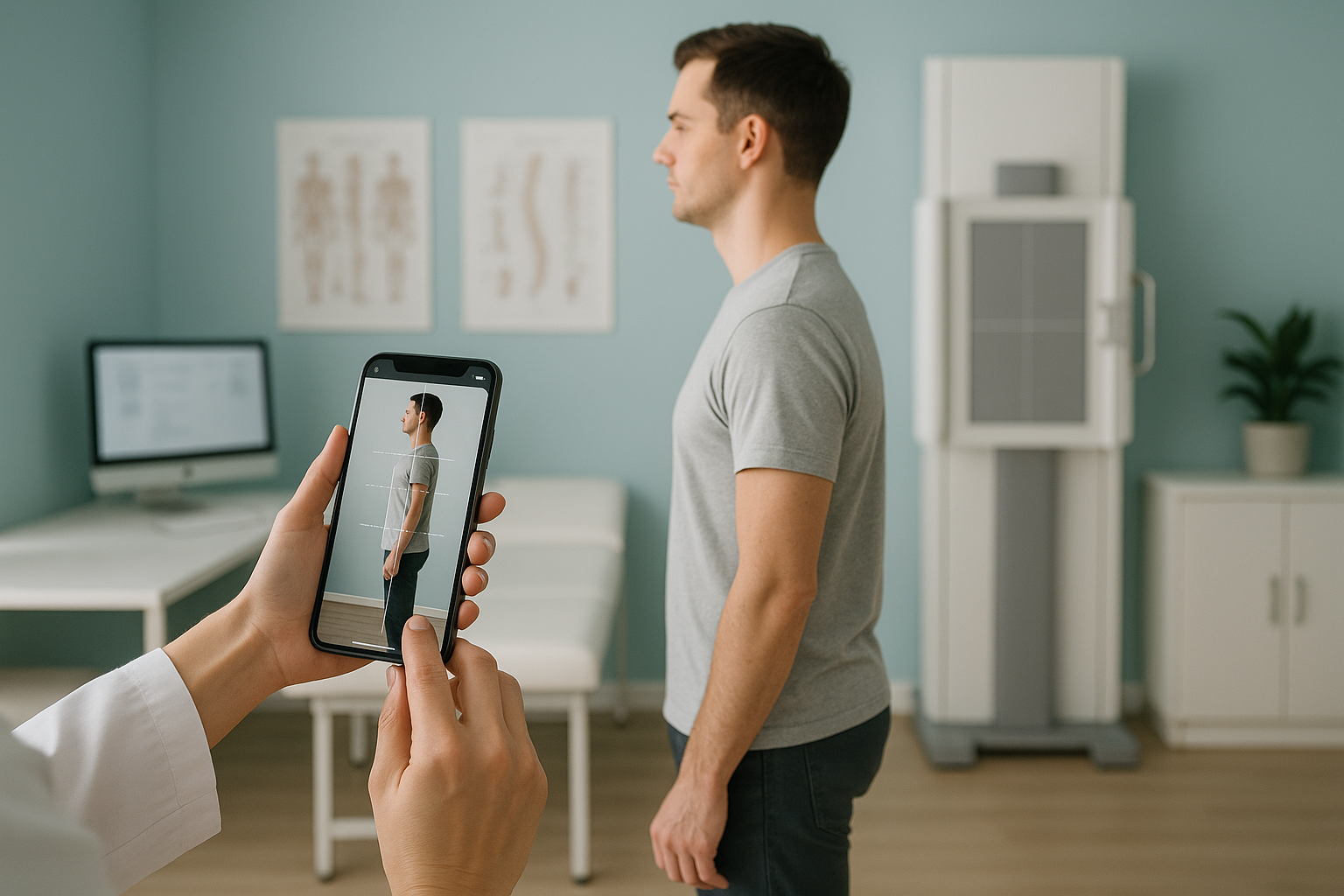
Standing whole-body imaging, such as an EOS scan, captures your entire skeleton in one image while you stand naturally under your own body weight. It measures actual bone positions, joint angles, and spinal curves directly, rather than estimating them from the skin surface.
This matters because your body is a connected chain. A tilt in the pelvis can change how the spine curves above and how the knees load below. A posture app might flag "forward head" but cannot tell you whether the real issue starts in your thoracic spine, your pelvis, or even a leg-length difference. ScanAlign standing EOS imaging captures all of these relationships in a single standing exposure with about 90% less radiation than a standard X-ray, around ten times less.
The scan results are reported by a consultant radiologist with precise, repeatable measurements. Learn more about how EOS scan results are reported.
What is the difference between screening and diagnosis?
Screening is a quick look for possible issues. Diagnosis is a measured, clinical confirmation of what is actually happening. Posture apps sit firmly in the screening category. They are good at saying "something looks off here." They are not designed to tell you exactly what, where, or why.
What it sees: skin surface, clothing outline, estimated joint centres.
Repeatability: variable. Camera angle, lighting, and posture effort all affect results.
Best for: general curiosity, gym progress tracking, deciding whether to seek professional assessment.
What it sees: actual bone positions, joint spaces, spinal curves, pelvis orientation, and leg alignment, all under natural weight-bearing load.
Repeatability: high. Standardised positioning, calibrated equipment, and precise measurements such as a Cobb angle measurement for spinal curves.
Best for: persistent pain investigation, surgical planning, tracking structural change over time, providing data your specialist needs.
A note on soft tissue. EOS shows bones, joints, and alignment beautifully. For soft tissue such as discs, nerves, ligaments, or cartilage, MRI is usually the better tool. The two are complementary, and your clinician can advise which you need.
Wondering whether your posture concern needs a proper assessment? Find out what to expect at an alignment assessment, or talk it through first.
Book a free video consultationFrequently asked questions
They give a rough estimate of surface alignment, but accuracy is affected by camera angle, clothing, and body shape. They are useful for general awareness rather than clinical measurement.
Not for clinical decisions. AI assessments work from photos and can flag visible imbalances, but they cannot see bone positions, disc spaces, or joint angles. For persistent issues, professional assessment provides the detail you need.
It cannot show what is happening inside your body: the shape and position of individual vertebrae, pelvic orientation, true leg-length differences, or whether a joint space is narrowing. These require imaging.
Gravity and body weight affect how your spine curves and your joints load. When you lie down for a standard scan, muscles relax and alignment changes. Standing imaging captures your skeleton as it actually works during daily life.
Yes. An EOS scan uses about 90% less radiation than a standard X-ray, around ten times less. It captures a full-body image in a single low-dose exposure.
No. ScanAlign is a self-referral clinic. You can book directly without a GP letter. If you already have a referral, you are welcome to bring it along.
You can book a measured assessment with a free video consultation first. Full pricing details are available on the ScanAlign website.
Absolutely. An app can help you decide whether you want to take things further. If the app flags an issue and you have symptoms, a clinical assessment adds the bone-level detail to act on.
A photo shows the body's outer surface. An X-ray, or standing EOS scan, shows the bones and joints directly. This means precise, repeatable measurements that can inform clinical decisions rather than surface estimates.
These are serious symptoms. Please seek urgent medical attention by contacting your GP, calling 111, or going to A&E. Do not wait for a scan appointment.
Ready for answers an app cannot give you?
A free video consultation lets you discuss your concern with a specialist radiographer before committing to anything.
Book a free video consultationWritten by Abbas Dhami (Specialist Diagnostic Radiographer)
Sources
- Hazar Z, Karabicak GO, Tiftikci U. Reliability of photographic posture analysis of adolescents. Journal of Physical Therapy Science, 2015;27(10):3123-3126.
- Illés TS, Somoskeöy S. The EOS imaging system and its uses in daily orthopaedic practice. International Orthopaedics, 2012;36(7):1405-1411.
- NHS. Back pain: overview. nhs.uk, 2023. Available at: https://www.nhs.uk/conditions/back-pain/
This page is general information and not a diagnosis.
ScanAlign is the trading name of CoreMed Solutions Ltd and operates under The Harley Street Hospital's CQC licence.